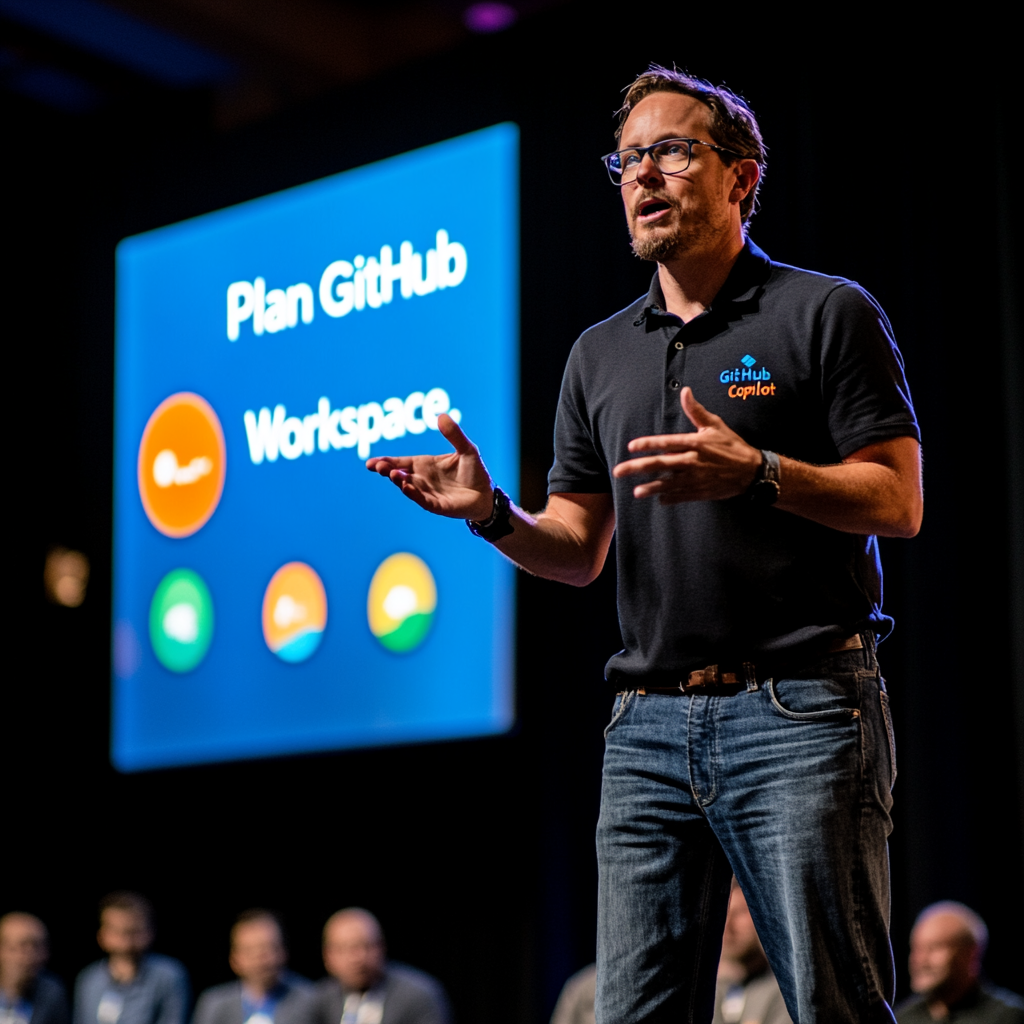
GitHub Copilot Workspace signup: Boost Your Coding Efficiency
Overview of Copilot Workspace: What It Brings to Developers
GitHub Copilot Workspace signup is a crucial step for developers eager to enhance their programming experience through the power of artificial intelligence. This innovative tool integrates AI assistance into everyday tasks, making coding more efficient and accessible. Developers can expect streamlined workflows, improved collaboration, and various features tailored to meet their coding needs. Let’s explore the key aspects of Copilot Workspace and see how it transforms the development landscape.
How Copilot Workspace Works
Copilot Workspace revolutionizes the way developers approach coding by transforming GitHub issues into detailed specifications and executable code. This interactive process allows developers to scope, plan, and implement their projects with a higher degree of accuracy and efficiency. By enabling developers to articulate their needs in natural language, Copilot Workspace ensures that the transition from idea to execution is smooth and straightforward.
Transforming Issues into Code
The tool excels at converting natural language descriptions of issues into actionable code. This feature significantly reduces the time spent on manual coding and helps streamline the overall development process. Developers can quickly generate detailed specifications from their project descriptions, allowing them to focus on building solutions rather than getting bogged down by minutiae.
Interactive Planning Features
Interactive planning is another standout feature of Copilot Workspace. Developers can simply describe their desired outcomes in plain language, and the tool will propose a plan of action. This capability not only makes planning more intuitive but also empowers developers to implement changes confidently. The integrated suggestions lead to a collaborative and agile development environment.
Iterative Development Made Easy
One of the core strengths of Copilot Workspace is its emphasis on iterative development. Every stage of the development process is editable, regenerable, or reversible. This flexibility ensures that developers can refine their work until it meets their expectations. The ability to try multiple solutions in different tabs and save them for future reference makes experimentation a breeze.
Testing and Validation Capabilities
When it comes to ensuring the accuracy of generated code, Copilot Workspace includes integrated terminal features for validation and testing. Users can test the correctness of their code instantly, which reduces the likelihood of bugs down the line. Additionally, it supports opening a Codespace for further debugging, allowing developers to tackle issues efficiently.
Collaboration Features in Copilot Workspace
Collaboration is crucial in modern software development, and Copilot Workspace excels in this area. Teams can instantly share their workspaces and access changes that have been automatically versioned. This functionality simplifies team collaboration and ensures everyone is on the same page during the development process. Creating a pull request can be streamlined into just one click, making it easy to manage code changes.
Mobile Support for Flexibility
Modern developers often need to stay connected while on the go. Copilot Workspace includes mobile support, allowing developers to browse GitHub issues, repositories, and pull requests using the GitHub mobile app. The ability to open issues directly within Copilot Workspace from a mobile device adds a layer of convenience that developers will appreciate.
Integration with Development Environments
The tool’s seamless integration with popular Integrated Development Environments (IDEs) such as Visual Studio Code, Visual Studio, JetBrains IDEs, and Neovim is significant. This compatibility allows developers to incorporate Copilot Workspace into their preferred workflow without needing to learn a new interface. The ability to maintain a consistent development environment enhances productivity.
Getting Started with Copilot Workspace
Starting with Copilot Workspace is straightforward. Developers can sign up via the GitHub Next website. The initial step involves describing the task or project requirement in natural language. From there, the AI takes over to guide the development process, making it easy to manage everything from planning to execution.
FAQs About GitHub Copilot Workspace
What is GitHub Copilot Workspace?
GitHub Copilot Workspace is a development environment that utilizes AI to convert natural language descriptions into executable code. It provides a complete package for planning, implementing, and testing projects efficiently.
How does it fit into my development workflow?
Copilot Workspace integrates seamlessly with your existing GitHub setup. It allows you to describe tasks, generate specifications, and implement changes, fostering collaboration and versioning along the way.
Is there mobile support available?
Absolutely! Developers can access their issues and repositories on the GitHub mobile app, enabling direct interaction with Copilot Workspace on the go.
How can I start using it?
To get started with Copilot Workspace, visit the GitHub Next website to sign up. After you describe your tasks, the AI will assist with the rest of the development process.
Exploring the Benefits
In summary, GitHub Copilot Workspace is designed to empower developers with tools that make coding easier and more collaborative. By transforming how developers interact with issues, specifications, and code, it paves the way for a more efficient and enjoyable coding experience. With features like interactive planning, iterative development, and strong collaborative capabilities, it is revolutionizing the software development landscape.
This platform not only enhances individual productivity but also strengthens teamwork in development projects. By leveraging its capabilities, developers can focus on what matters most: writing quality code and delivering exceptional software solutions. For more insights, check out this video guide and learn about the setup process at Visual Studio Code.


Отправить комментарий