Link WhatsApp to Accounts Center: New Features Unveiled Today
New Option to Link WhatsApp to Accounts Center
Meta has introduced an exciting new feature that enables users to link their WhatsApp accounts to the Accounts Center. This offers a centralized hub for managing multiple Meta services, making it easier than ever to connect with friends and family across platforms.
Key Features of the New Integration
Integration with Other Meta Services
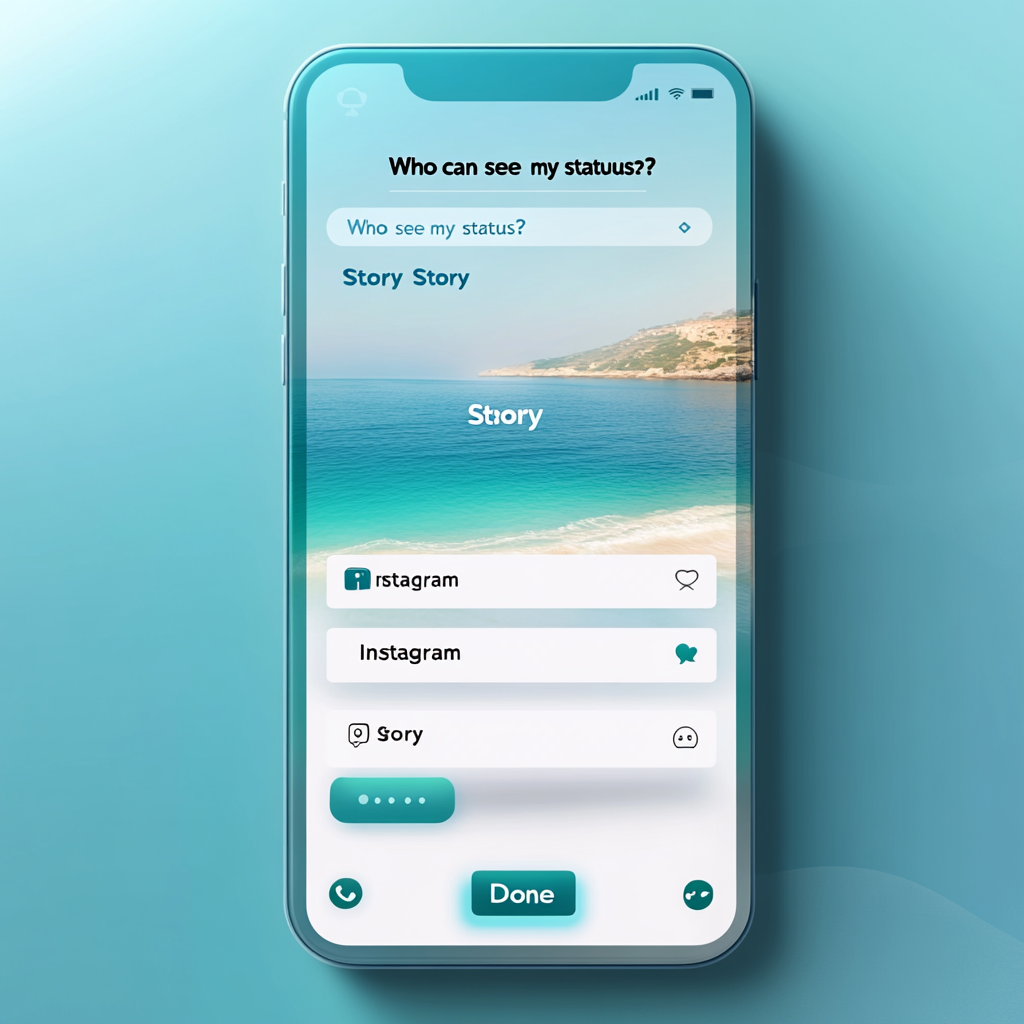
This new feature allows users to seamlessly link their WhatsApp accounts to their existing Accounts Center. Currently, the Accounts Center supports accounts from Facebook, Instagram, and Meta Quest. With this integration, users can cross-post WhatsApp Status updates directly as Stories on Instagram and Facebook. This means no more repetitive posting; just one update can be shared across multiple platforms effortlessly.
Single Sign-On for Convenience
The Accounts Center includes Meta’s single sign-on feature. This functionality allows users to log into multiple Meta apps using just one account. Consequently, logging in becomes a streamlined experience, making it easier to navigate among various Meta services without the hassle of remembering multiple credentials.
Maintaining End-to-End Encryption
Linking WhatsApp to the Accounts Center does not compromise the security of your messages. WhatsApp’s end-to-end encryption remains intact, ensuring that messages and calls stay private, giving users peace of mind. It is worth noting that this integration feature is optional and has its settings turned off by default.
Streamlined Management and Settings
The Accounts Center allows for better management of connected experiences across all Meta services. Users can manage their accounts easily from the Settings section of Meta’s apps, including updating contact details, uploading new profile pictures, and handling other account management tasks without any hassle.
Global Rollout of the Feature
The new feature is in the process of being rolled out globally. However, availability may vary as it is a staggered rollout. Most users can expect to see the option in their WhatsApp settings soon, particularly when taking actions that involve their accounts, such as resharing their statuses.
Future Enhancements in Accounts Center
Meta has plans to introduce additional features within the Accounts Center. These upcoming features will include the ability to manage avatars, create Meta AI stickers, and personalize Imagine Me creations. Users can look forward to more creative options in the near future.
How to Link Your WhatsApp to Accounts Center
Linking your WhatsApp account to the Accounts Center is straightforward. Follow these simple steps to get started:
1. First, ensure you have the latest version of the WhatsApp app installed.
2. Open WhatsApp and navigate to your Settings menu.
3. Look for the new Accounts Center section which should appear in the settings.
4. Follow the on-screen prompts to link your WhatsApp account to the Accounts Center.
By following these steps, you can easily connect your accounts, enhancing your social media experience.
Frequently Asked Questions (FAQ)
Is linking WhatsApp to Accounts Center mandatory?
No, linking your WhatsApp account to the Accounts Center is entirely optional. This feature is turned off by default, allowing you to choose whether or not you want to connect your accounts.
Will my WhatsApp messages remain encrypted?
Yes, your WhatsApp messages and calls will continue to be protected by end-to-end encryption. This means that even when you connect your accounts, your privacy remains secure.
How do I manage my accounts in the Accounts Center?
You can manage your accounts easily through the WhatsApp Settings menu. Simply navigate to Settings > Accounts Center to view, add, or remove your connected accounts.
What other features will be added to the Accounts Center?
In addition to account management, Meta has exciting plans for the future. Users can anticipate features like avatar management, Meta AI stickers, and Imagine Me creations, which will enhance the user experience. For further details, check out sources such as iDownloadBlog and TechCrunch .
When will the feature be available to all users?
This feature is being rolled out globally over the next few months. While some users may see it sooner, the staggered rollout means that it will take some time before it is accessible to everyone.
Conclusion
The new option to link your WhatsApp account to the Accounts Center brings numerous advantages. It offers integration with other Meta services, simplifies login through single sign-on, maintains the integrity of your messages with encryption, and provides user-friendly management options. Keep an eye out for this feature in your WhatsApp settings, and take advantage of the convenience it offers. Remember, your choice to connect your accounts is entirely yours, giving you the power to customize your social media experience. For more information on how to use the Accounts Center, visit Meta’s Help Center or consult WhatsApp FAQ.


Отправить комментарий